Underlay that holds
A hidden foundation of stitches steadies the fabric so the top stitches sit smooth and full.
You only pay after you approve your quote. DST · PES · EXP · JEF files.
See how it worksSend us your logo or artwork and we’ll turn it into a clean, machine-ready embroidery file for caps, polos, patches, and jacket backs, quoted up front and delivered to your account.
Every file is planned around where it will be stitched, from a crisp left-chest logo to a full jacket back.
Explore all servicesYour brand mark, lettering, or emblem, planned to stitch cleanly on everyday apparel.
Planned around the crown, center seam, and curve of your headwear.
Compact logos for polos, uniforms, and workwear, sized for small, crisp detail.
Badges with borders and backgrounds, planned for your patch shape and material.
Raised lettering and bold shapes for caps. We review your artwork first to confirm it suits puff.
Reviewed per designBig statement designs, planned around their final dimensions and fabric.
Fabric-layer designs with placement and tack-down steps. Technique and availability are confirmed first.
Reviewed per designTell us what you’re making and we’ll help you work out the details.
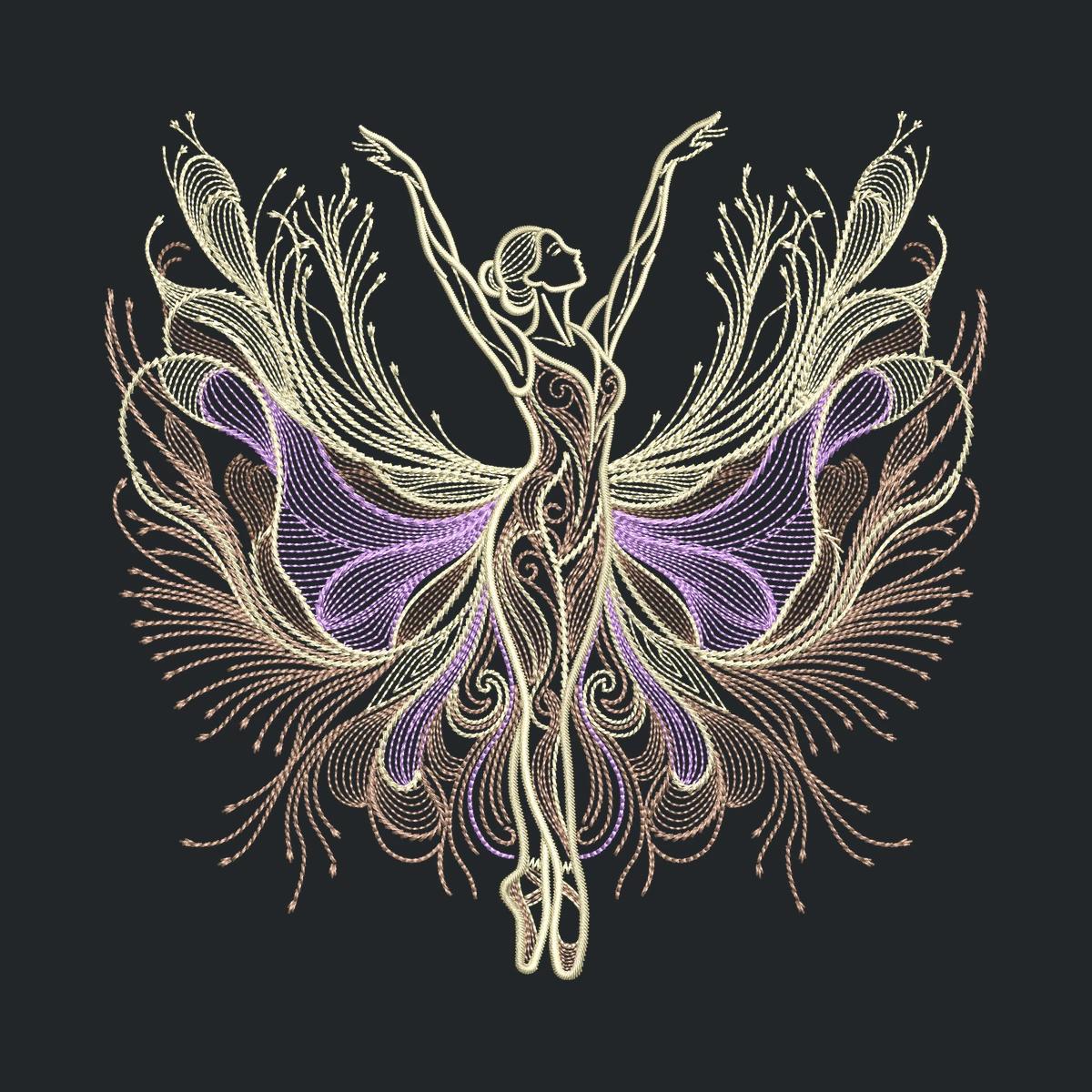
Featured designs are original illustrations, shown to explore styles and placements.
Your quote, conversation, and finished files live together in one place: your account.
See the full processSend a JPG, PNG, or PDF and tell us the size, garment, and file format you need. Not sure? Ask for advice.
We review your design and send a price and delivery date straight to your account.
Accept the quote and pay securely through Stripe. Production starts once payment is confirmed.
Download your finished files from your account. Need a change? Request a revision right from the order.
Pick a service, size, and timing for an illustrative starting estimate. Your exact price arrives with your quote.
How pricing worksYour brand mark, lettering, or emblem, planned to stitch cleanly on everyday apparel.
You can adjust the exact dimensions in your quote request.
Logo digitizing
3 × 3 in design
Standard timing requested
This is a planning example, not a confirmed rate. Artwork complexity, size, and availability determine your final quote before payment.
Good digitizing is more than tracing a logo. Here’s what goes into a file that sews out well on a real garment.
A hidden foundation of stitches steadies the fabric so the top stitches sit smooth and full.
Satin for crisp lettering and borders, fill for bold shapes, and running stitch for fine detail.
Thread tension pulls fabric inward, so shapes are planned to land at their intended size.
Enough stitches for solid coverage, without making the design stiff or bulky on the garment.
A thoughtful running order and color sequence keeps jumps and trims to a minimum.
Caps, knits, and jackets behave differently. Size, fabric, and placement shape every file.
We deliver DST, PES, EXP, and JEF files. Here’s a quick guide to which machines use which.
Tajima's format, widely supported by commercial multi-needle machines.
The format used by Brother and Baby Lock embroidery machines.
Used by Melco commercial machines and many Bernina models.
Janome's own format for its embroidery machines.
Not sure which you need? Choose “Need advice” when you request a quote and tell us your machine model. We’ll confirm the right format with your quote.
Original illustration studies showing how different styles, shapes, and lettering translate into thread.
Explore the galleryOriginal illustrations, not photographs of stitched samples or customer orders.
Everything you need to know about artwork, formats, payment, and revisions.
Browse all questionsCreate a customer account, upload a JPG, PNG, or PDF, and tell us about the size, garment, and format. You’ll receive an individual quotation in your account.
Choose DST, PES, EXP, or JEF. If you’re unsure, select “Need advice” and include your embroidery machine model. We’ll confirm the right format with your quote.
Only after you accept your quote. Payment is handled securely through Stripe, and production starts once payment is confirmed.
Yes. Send a revision request from the delivered order. Your quote defines the included revision scope; new artwork or changes to size and placement may require an additional quote.
Upload your design, tell us where it’s going, and get your quote. No payment until you approve it.